You need the serial number of the protected data storage (CHDÚ), for example, when you buy or check a licence and when you contact support. You will find it on the storage label or in the eKasa web interface.
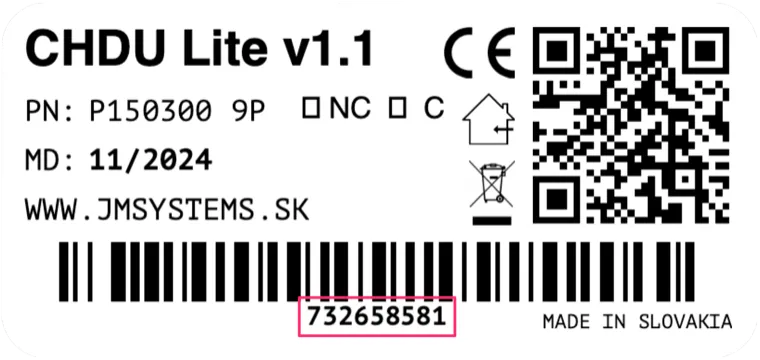
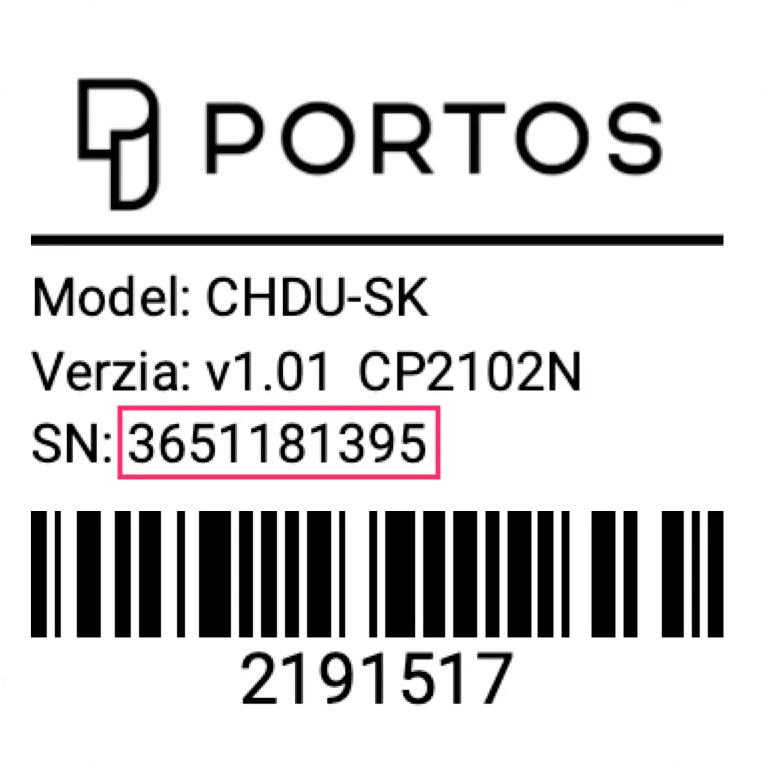
On the storage label
The storage is a small black device connected between the computer and the receipt printer. Its label also shows the serial number. If the label is hard to read, find the number in the web interface instead.
In the eKasa web interface
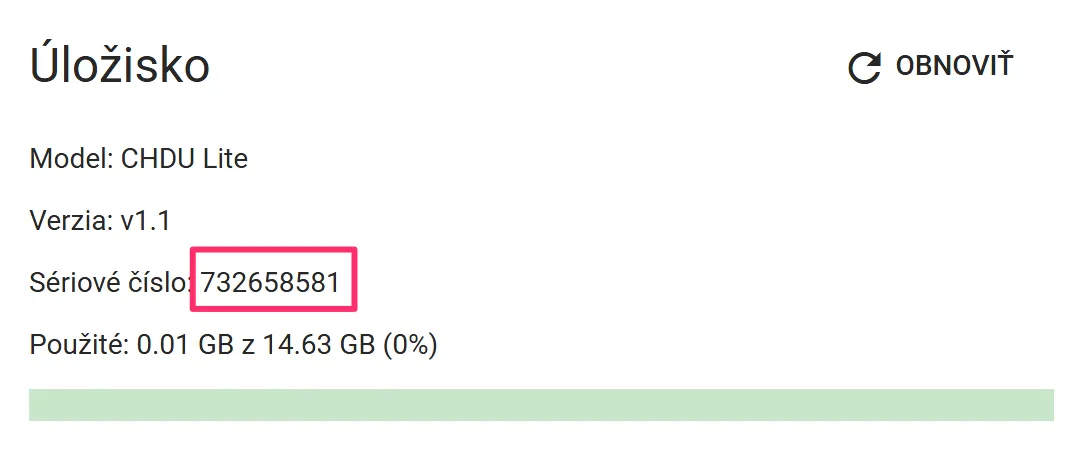
On the computer where eKasa is installed, open localhost:3010. On the home screen, the Úložisko (Storage) part shows the Sériové číslo (Serial number) line.
Checking the licence
You can check the licence status of the storage by entering its serial number on the Overenie licencie (Licence check) page (in Slovak).